

Buying a home
- Walk the unit before you visit, or before it is built
- Check where the sun falls and what the view is from your floor
- Size up rooms against the furniture you own
Interactive 3D showhouses
WASD + mouse on a computerTap the floor to walk on a phone
You are in control: walk through a to-scale 3D home in your browser, open the doors, change the time of day. No video tour, no app to install.
Who uses it
Try it yourself
A room from a sample home. Follow the orange pointers: each one shows something a 360° photo tour cannot do.
About 6 MB · works on phones and computers
| 360° photo tour | Proply 3D home | |
|---|---|---|
| Moving around | Jump between fixed photo spots | Walk anywhere, at your own pace |
| Room sizes | No sense of scale | Built to scale from the floor plan |
| Daylight | One moment, as photographed | Any time of day, with the real sun path |
| Doors, blinds, lights | As they were in the photo | Open, close and switch them yourself |
| Before it is built | Needs a finished show unit | Works from the plans, for every unit type |
Computer WASD or arrows to walk, drag to look, click the floor to go therePhone tap the floor to walk, swipe to look
Any time of day
The same room at 7:45 am and 8:30 pm. The sun follows its real path for the home's orientation, so you can see where the light falls.
← Drag the line →

 7:45 am8:30 pm


How it works
A floor plan and a few confirmed dimensions are all it takes. Every room keeps its real size.
Materials, furniture and fittings to suit the development, with the outlook from each floor.
Send it by email or chat. Whoever opens it walks the home on their own device, at any hour, with the lights on or off.
What you can do
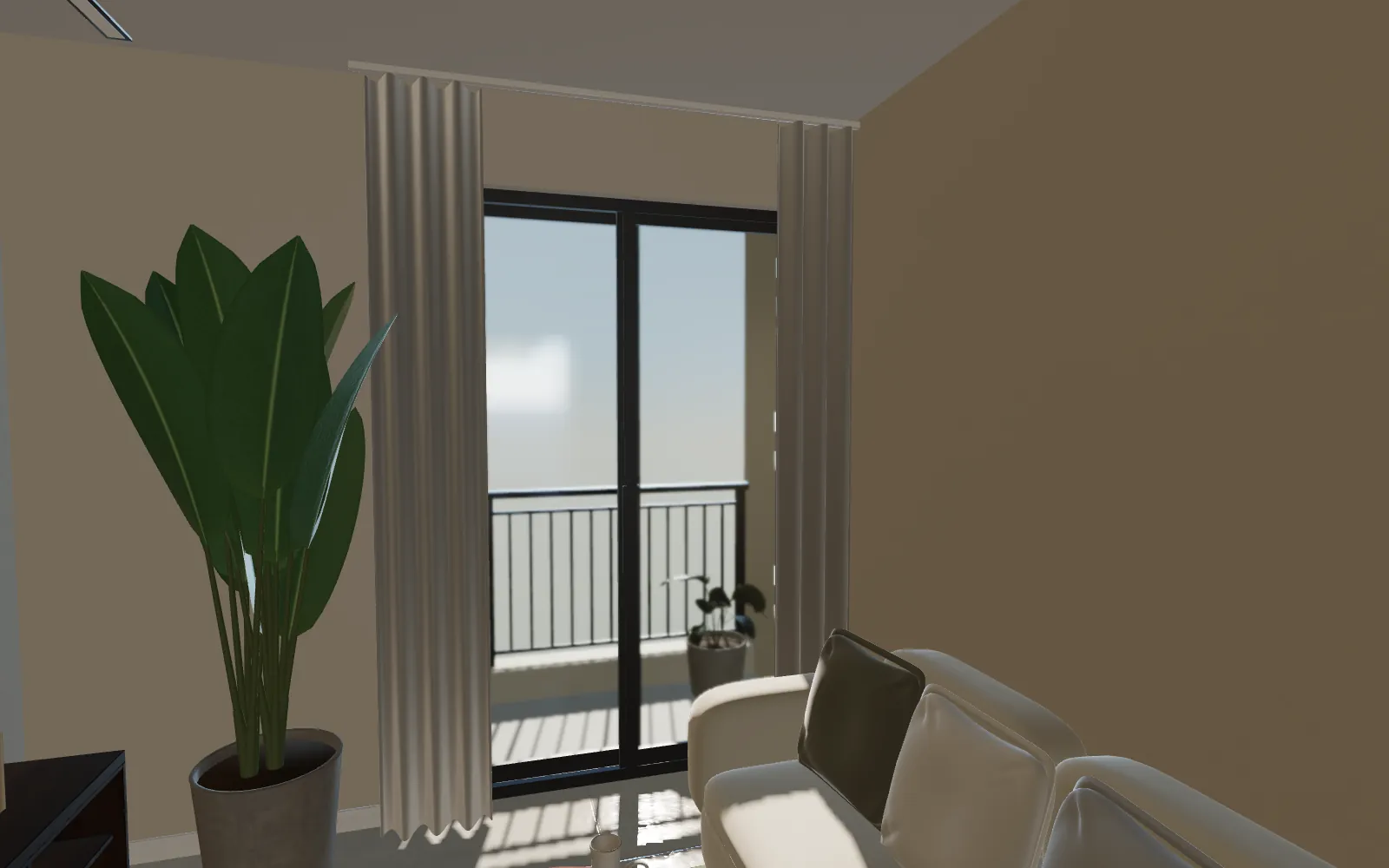
Slide the balcony glass, lower the blinds, walk out and look down.
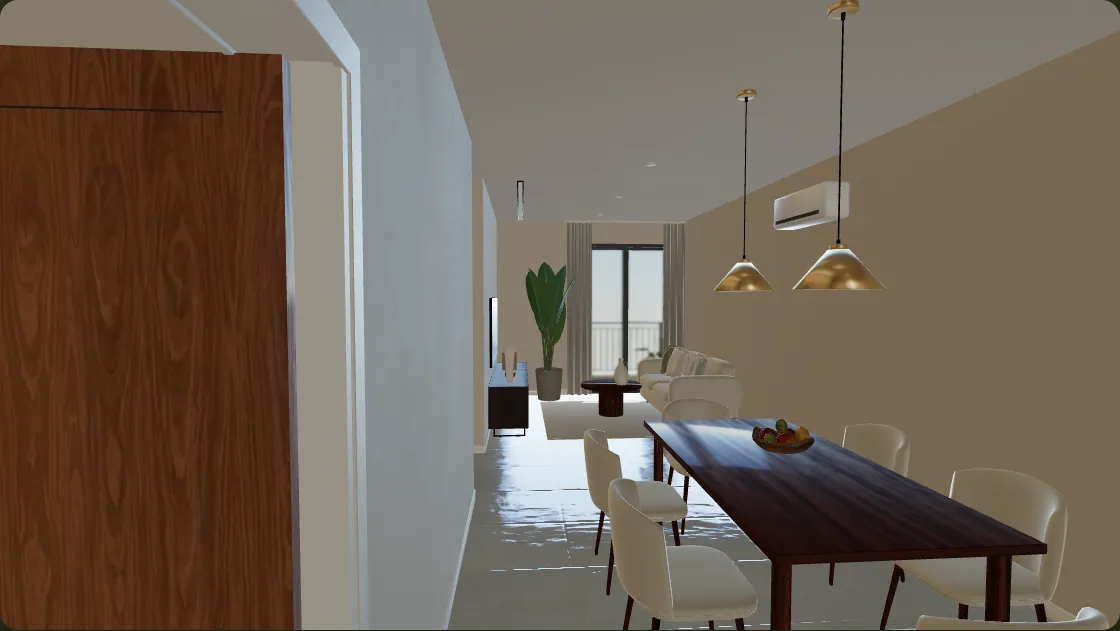
Phones and laptops, in the browser. No app.
 ← 2.98 m →
Built from the floor plan, so the sofa question has an answer.
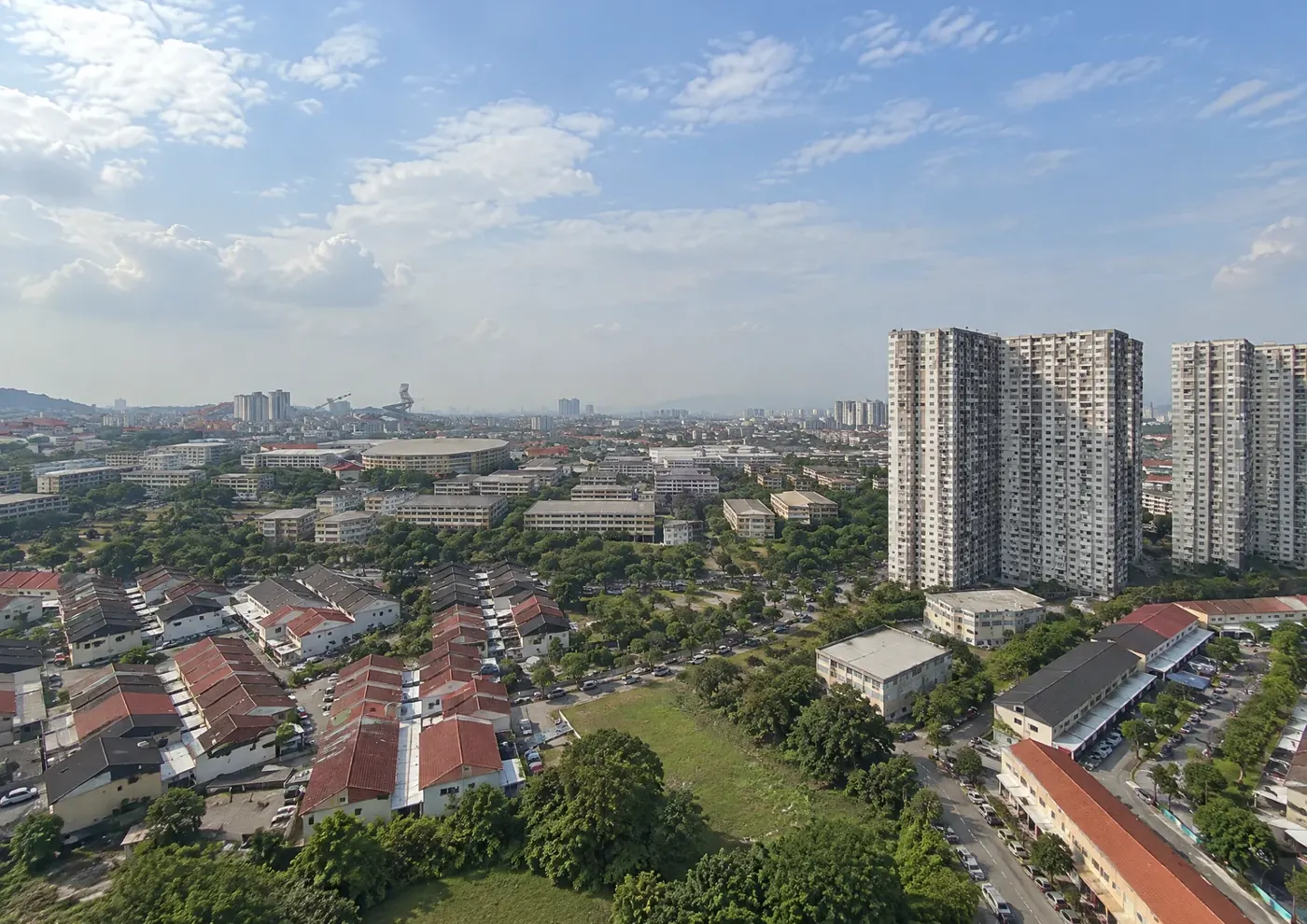
See the outlook from each floor, in every direction.
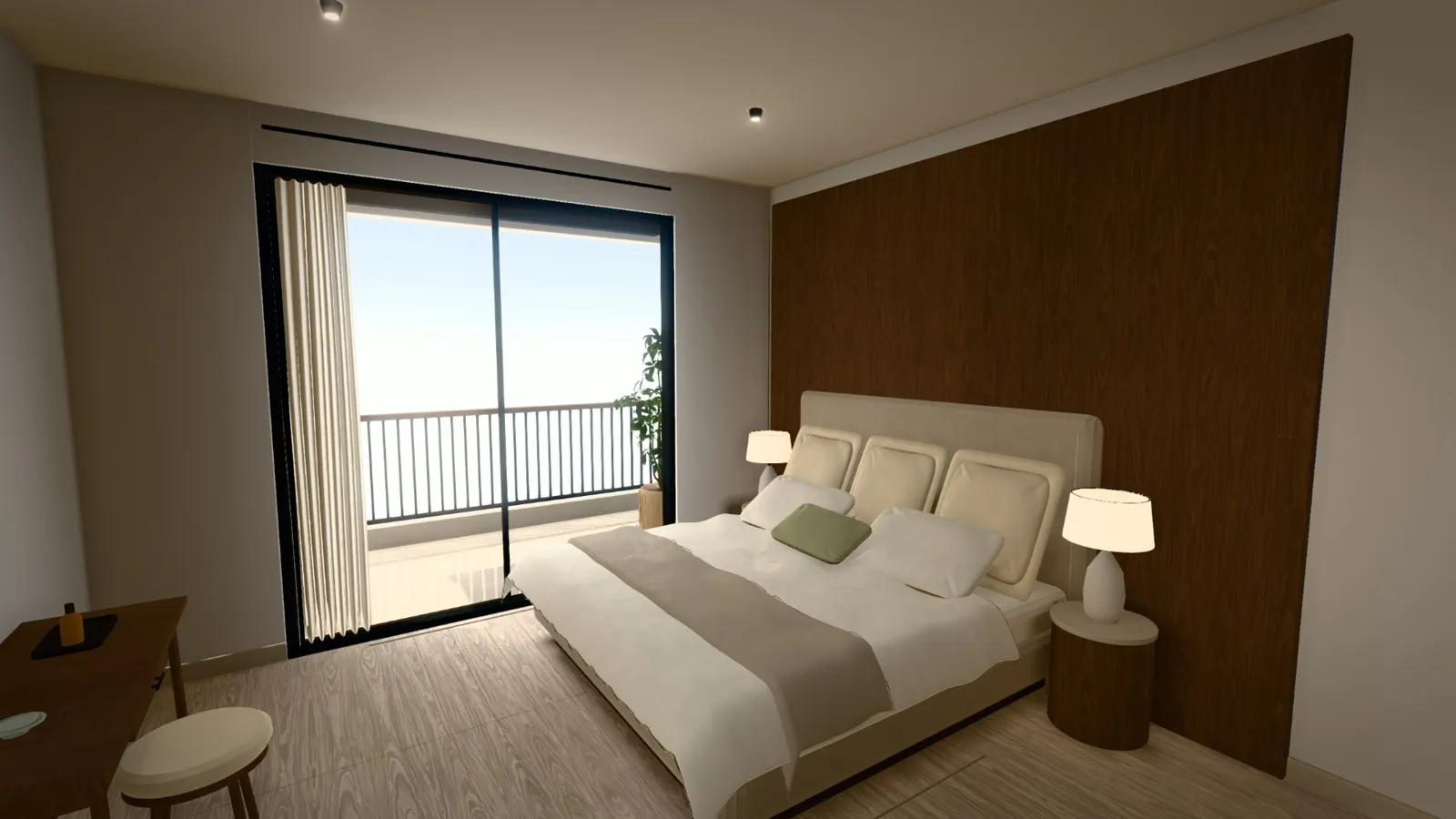
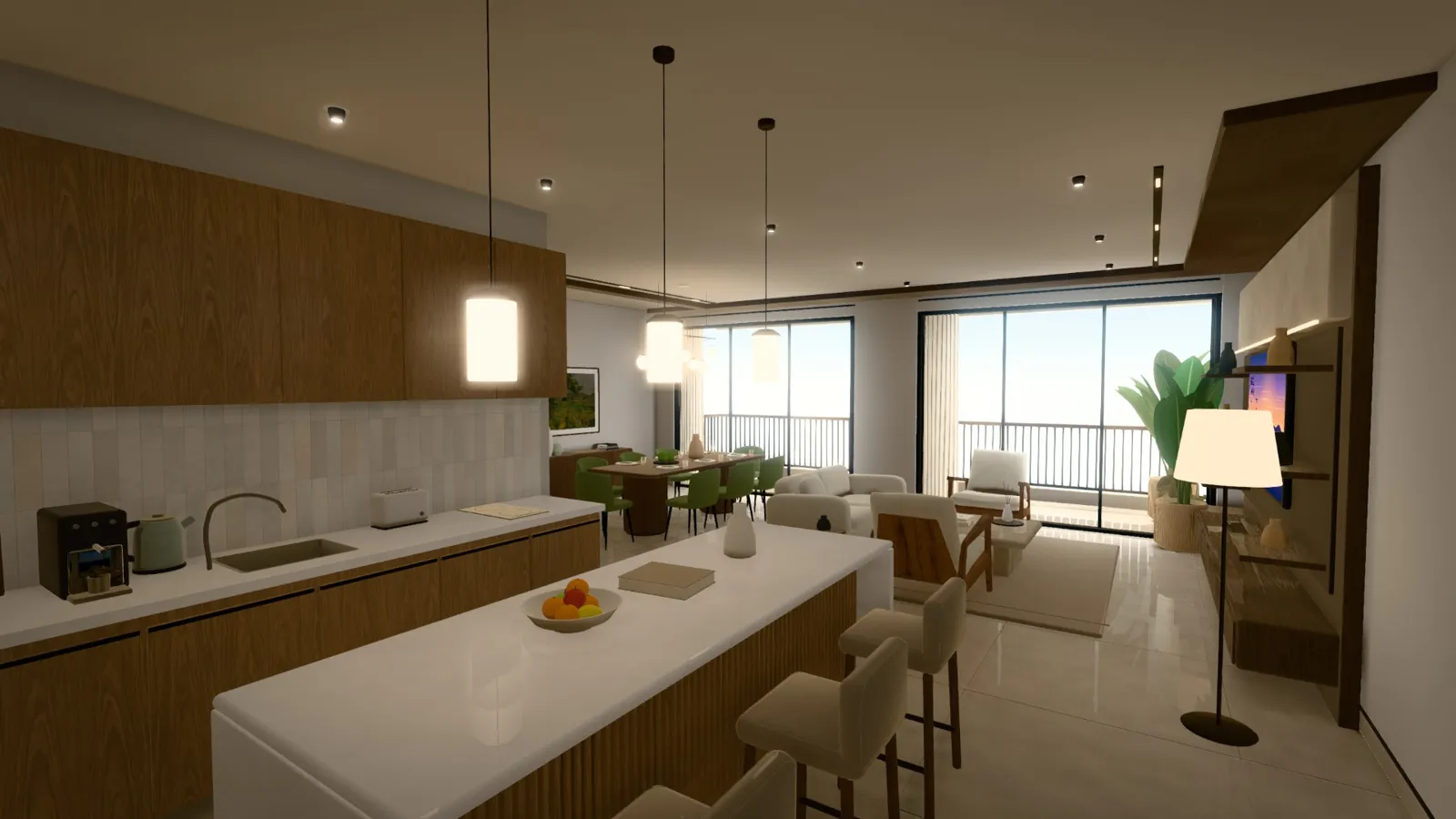
Artist's impressions of sample homes. Furniture, finishes and outside views are illustrative; outside views are AI-generated.
The neighbourhood
Step onto the balcony and look around. Nearby places are named with their distance, and every tower, road and roof sits where it really is.
Hospitals, malls, schools and stations, labelled with real distances.
Your tower in orange.
Outside views are AI-generated impressions, not photographs. Map data © OpenStreetMap contributors.
Tell us about the development or unit you have in mind.